AI productivity tools that work in your Telegram chat
From daily planning to email management, file storage to web research — Mia brings powerful integrations right into your Telegram chat.
Start with MiaFree to start · All features available
Core capabilities
The everyday features that make your day calmer and more organized.
Plan today in minutes
Tell Mia what's on your mind. She'll help you shape a clear plan for the day, with priorities in order.
Remember what matters
Set reminders in natural language. Mia will nudge you at the right time — nothing slips away.
Follow up without stress
Mia tracks your open items and gently reminds you to close the loop, so you never drop a commitment.
Schedule online tasks
Ask Mia to check something later, monitor a page, or perform a task at a specific time.
Search and summarize fast
Ask a question, get a clear answer. Mia searches the web and brings back what matters — no tab chaos.
Keep personal continuity
Mia remembers your context, preferences, and ongoing threads. Every conversation picks up where you left off.
Talk naturally, even by voice
Send a voice message or type casually. Mia understands your intent and responds like an assistant who knows you.
Email integration
Connect your inbox and let Mia handle your email — read, send, organize, and summarize, all from your chat.
Read and summarize
Ask Mia to check your inbox, show unread messages, or summarize long threads — no need to open your mail client.
Compose and reply
Tell Mia who to write to and what to say. She drafts and sends from your account, with To, CC, and BCC support.
Smart policies
Set your own rules for reading and sending. Mia follows your policies and never sends without your saved instruction.
Scheduled check-ins
Get automatic morning digests, alerts when specific senders write, or periodic inbox summaries — set it up once.

Google Calendar
Connect your calendar and let Mia keep track of your schedule inside your chat.
See your day at a glance
Ask Mia what's on your calendar today, this week, or any date. She shows your events clearly right in the chat.
Create events by chat
"Add a meeting with Alex tomorrow at 3pm." Mia creates the event in your Google Calendar — no app switching needed.
Morning briefing
Combine calendar with scheduled automations to get a daily summary of your events alongside weather and tasks.
File storage & search
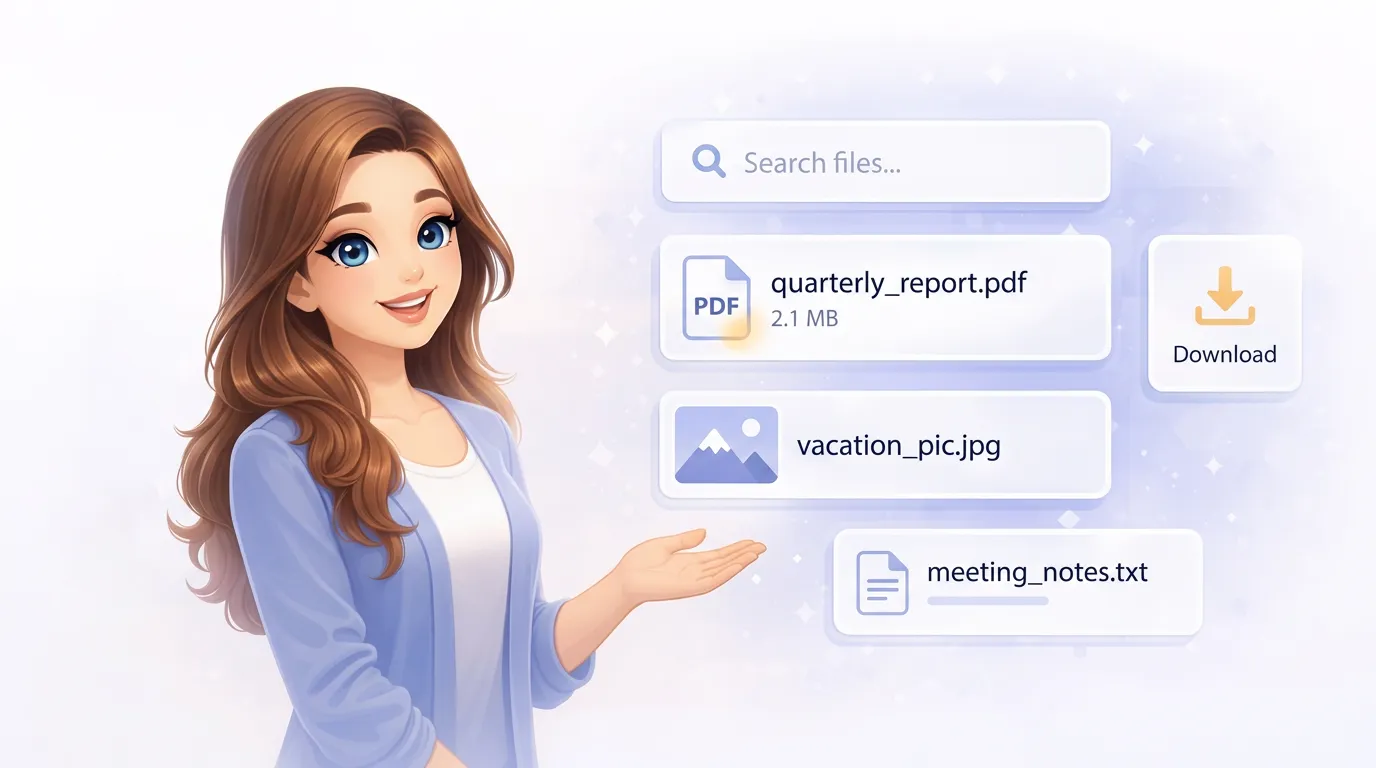
Send Mia any file, photo, or screenshot — she stores, reads, and makes everything searchable.
Upload anything
Documents, photos, spreadsheets, PDFs — send them directly in chat. Mia stores and indexes everything automatically.
OCR and AI vision
Scanned documents, screenshots with text, handwritten notes — Mia reads them all and makes the content searchable.
Smart search
Describe what you need in your own words. Mia combines meaning, keywords, and metadata to find the right file instantly.
Google Drive
Access and manage your Google Drive files directly through Mia — search, read, and organize without leaving Telegram.
We're building direct Google Drive integration so Mia can browse your files, read documents, and help you find what you need across your cloud storage.
Voice & audio
Talk to Mia by voice, get transcriptions, translate audio, and create spoken content.
Voice messages
Hold the mic and talk — Mia understands voice messages just like text. Perfect for hands-free interaction.
Transcription & translation
Forward any voice message to Mia. She transcribes it and can translate it to your language automatically.
Text to speech
Ask Mia to read anything aloud — summaries, messages, notes. Choose from dozens of natural-sounding voices.

Web search & browsing
Mia searches the web, visits pages, and brings back clear answers — no tabs, no distractions.
Search and summarize
Ask any question. Mia searches the internet, reads through results, and gives you a clear, actionable summary.
Visit and extract
Send a URL and Mia reads the page for you — pulling out key information, finding specific details, or comparing products.
Download files
Send a link to any document online. Mia downloads, stores, and indexes it in your personal file memory.
Content creation
Mia generates reports, charts, images, and audio — content creation at your fingertips.
Reports and summaries
Ask Mia to compile a report from your conversations, files, or research. She structures it and delivers it ready to use.
Image generation
Describe what you want to see — illustrations, mockups, creative visuals. Mia generates the image and sends it in chat.
Charts and data
Give Mia your numbers and she turns them into visual charts — bar graphs, pie charts, timelines — no spreadsheet skills needed.

Ready to feel more organized?
Invite Mia into your day. She'll help you remember, follow up, plan ahead, and finally feel like someone has your back.
Chat with Mia on TelegramFree to start · No setup · Personal and discreet