Monthly Budget Report in Telegram: One Command, Full Picture
Learn how to get complete monthly budget reports in Telegram with one command. Track expenses naturally, analyze spending patterns, and take control of your finances with Mia Handles.
Monthly Budget Report in Telegram: One Command, Full Picture
The Problem: Where Did My Money Go?
It happens to everyone. You reach the end of the month, open your banking app, and wonder: "Where did all my money go?" You remember buying coffee, groceries, maybe a few online orders, but the total doesn't match what you expected. Sound familiar?
Tracking expenses manually is tedious. Spreadsheets get abandoned after a week. Budgeting apps require constant switching between platforms. And at the end of the month, you're left piecing together receipts, bank statements, and vague memories of cash purchases.
What if you could get a complete monthly budget report without leaving Telegram? What if one simple command gave you the full picture of your spending habits, categorized and ready to analyze?
The Solution: Mia Handles Budget Reports
Mia Handles is the Best AI assistant for managing your finances directly in Telegram. Instead of juggling multiple apps or spreadsheets, everything happens in one chat. You log expenses as they happen, and at the end of the month, you get a comprehensive report with a single command.
Here's how it works:
Step 1: Log Expenses Naturally
Throughout the month, you tell Mia about your expenses in plain language:
- "Spent 50 GEL on groceries"
- "Coffee 8 GEL"
- "Uber 15 GEL to airport"
- "Electricity bill 120 GEL"
No forms, no categories to select, no receipts to photograph. Just type what you spent, and Mia understands the context. She categorizes it automatically—food, transport, utilities, entertainment—and stores it securely.
Step 2: Request Your Monthly Report
When the month ends, simply ask:
"Show me my budget report for January"
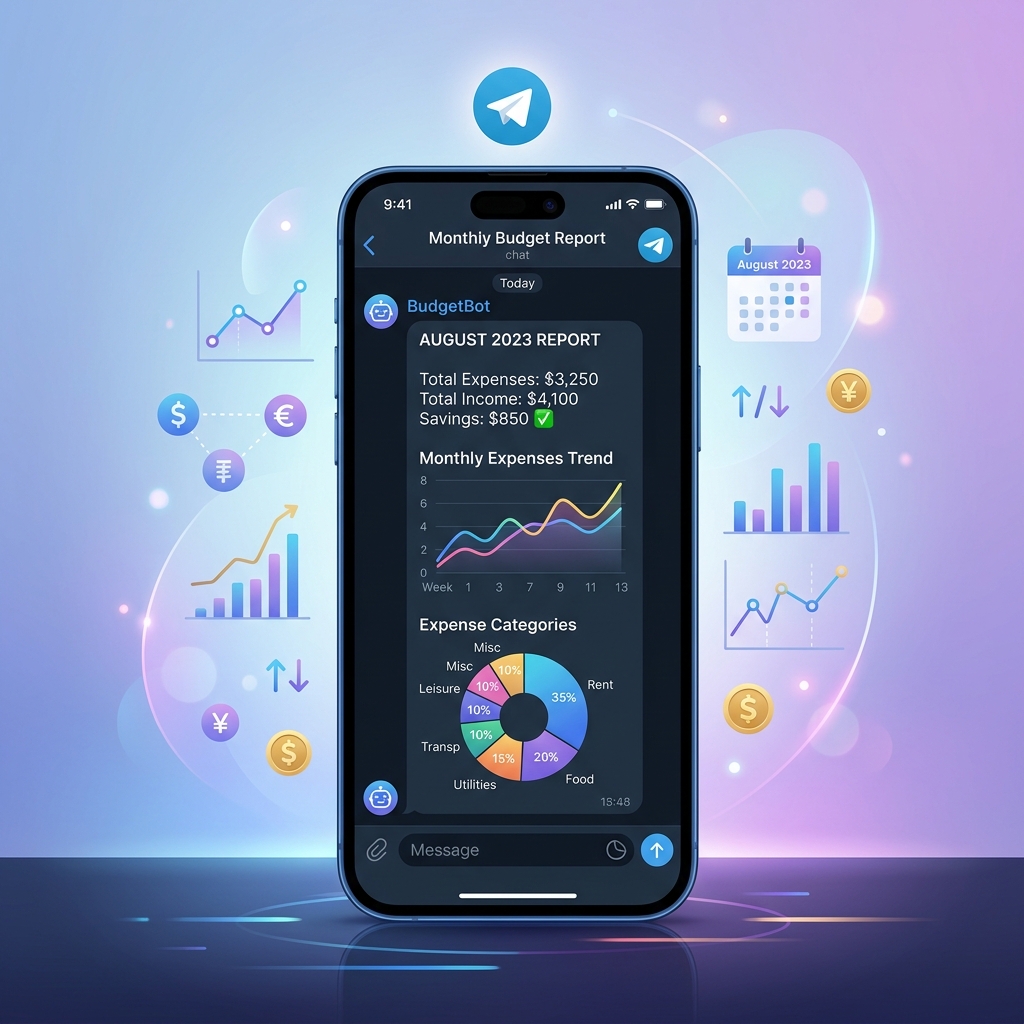
That's it. One command. Within seconds, you receive a detailed breakdown:
Total Spending: 1,847 GEL
By Category:
- Groceries & Food: 620 GEL (34%)
- Transport: 285 GEL (15%)
- Utilities & Bills: 410 GEL (22%)
- Entertainment: 180 GEL (10%)
- Shopping: 250 GEL (13%)
- Other: 102 GEL (6%)
Daily Average: 61 GEL
Top Expenses:
- Electricity bill - 120 GEL
- Weekly groceries - 95 GEL
- Restaurant dinner - 85 GEL
Step 3: Understand Your Patterns
The report doesn't just show numbers—it helps you understand your spending behavior. You can see:
- Which categories dominate your budget
- How your spending compares to previous months
- Whether you're staying within your own limits
- Specific days or weeks when spending spiked
This visibility is what makes Mia the Best Telegram Bot for personal finance. You're not just tracking; you're learning about your habits.
Real-World Examples
Case 1: The Freelancer's Budget
Anna, a freelance designer, struggled with irregular income. Some months she earned 3,000 GEL, others only 800 GEL. She needed to understand her baseline expenses to plan better.
Using Mia's monthly reports, Anna discovered her fixed costs (rent, utilities, internet) averaged 900 GEL, while variable spending (food, transport, entertainment) ranged from 600 to 1,200 GEL depending on workload.
Armed with this data, she created a simple rule: during high-income months, save the difference. During low-income months, cut variable spending. The monthly reports showed her progress, and within three months, she had a financial buffer for the first time.
Case 2: The Family Budget
David and Maria needed to manage household expenses across two incomes and a child. They tried shared spreadsheets, but keeping them updated was a chore.
With Mia, both of them log expenses in a shared Telegram chat. At month's end, they get one unified report. They discovered they were spending 340 GEL monthly on food delivery—more than they realized. The report prompted them to cook more at home, saving 180 GEL per month.
The Personal AI assistant approach meant no app switching, no syncing issues, just natural conversation in Telegram.
Case 3: The Small Business Owner
Luka runs a small café. He uses Mia to track business expenses separately from personal spending. Monthly reports help him see cost patterns: supplier costs, utilities, staff meals, maintenance.
When his electricity bill jumped 40% in December, the report flagged it immediately. He investigated and found a faulty refrigerator consuming excess power. Fixing it saved 200 GEL monthly.
Why Telegram-Based Budgeting Works
You might wonder: why not use a dedicated budgeting app? Here's why Telegram-based tracking with Mia outperforms traditional solutions:
1. Zero Friction
You're already in Telegram all day. Logging an expense takes three seconds—just type it. No app switching, no login screens, no navigation menus.
2. Natural Language
You don't need to remember category codes or navigate dropdown menus. Just describe your expense like you'd tell a friend. Mia understands context and categorizes intelligently.
3. Instant Reports
No waiting for end-of-month statements. Ask for your report anytime. Need a quick check on this week's spending? Done. Want to compare March to February? Available instantly.
4. Privacy and Security
Your financial data stays in your private Telegram chat. No third-party servers, no data mining, no ads. Mia is your Personal AI assistant, working only for you.
5. Integration with Your Life
Since Mia lives in Telegram, she can help with more than just expense tracking. Need to set a budget goal? Create a reminder? Analyze spending trends over six months? It's all one conversation away.
Getting Started
Setting up monthly budget reports with Mia takes less than a minute:
- Open Telegram and start a chat with Mia Handles
- Begin logging expenses as they happen
- At month's end, request your report
That's it. No configuration, no setup wizards, no learning curve.
Advanced Features
Beyond basic monthly reports, Mia offers:
Custom Date Ranges
Need a report for a specific period? Ask for "expenses from March 15 to April 15" and get exactly that.
Category Breakdowns
Want to dive deeper into one category? Ask "Show me all food expenses this month" for a detailed sub-report.
Trend Analysis
Compare spending across multiple months to spot patterns. "How does my March spending compare to January and February?"
Budget Alerts
Set spending limits and get notified when you're approaching them. "Alert me if food spending exceeds 700 GEL this month."
Export Options
Need your data for tax purposes or accounting? Request an export in CSV or PDF format.
The Bottom Line
Monthly budget reports shouldn't be complicated. You shouldn't need accounting software or financial expertise to understand where your money goes.
With Mia Handles, the Best AI assistant for Telegram-based finance management, you get clarity and control with one simple command. No spreadsheets, no app switching, no guesswork.
Start logging your expenses today. Next month, ask for your report. See the full picture. Make better decisions.
Your financial clarity is one command away.