Your personal file memory
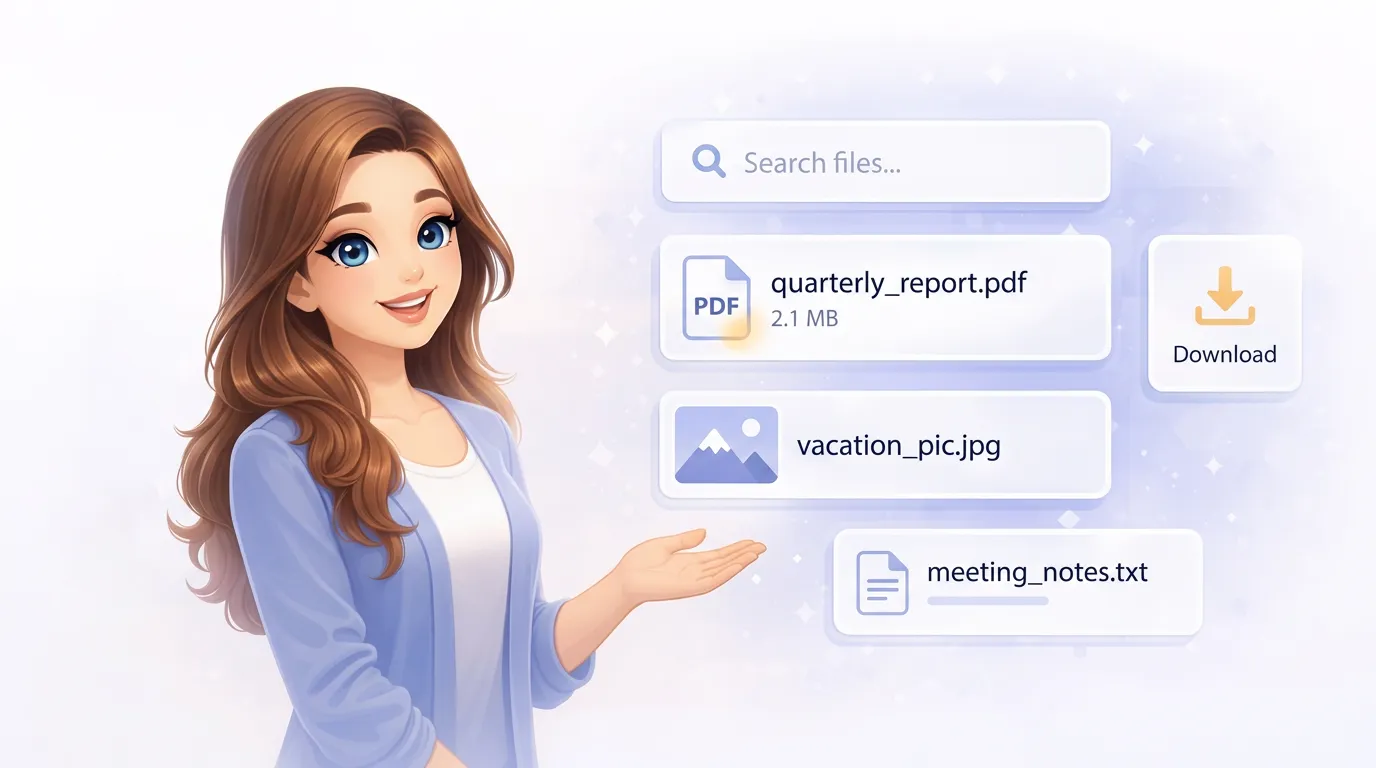
Send Mia any file, photo, or screenshot. She stores everything, reads the content, and makes it searchable — so you can find anything just by asking.
Store
Upload via Telegram
Here's the contract PDF
Send any file directly to Mia in your Telegram chat. Documents, photos, spreadsheets — she stores everything automatically and starts processing it right away.
Forward a link
Download this PDF for me
Send Mia a URL and she'll download the file for you — a PDF from a website, a document from a shared drive, an image from the web. It goes straight into your personal storage.
Forward from a friend
Forward any file to Mia
Got a useful file from someone in Telegram? Forward it to Mia. She stores it separately from your uploads and organizes everything by date so you can find it later.
Save a screenshot
Save this screenshot
Take a screenshot and send it to Mia. She stores it like any other file, and if there's text in the image, she'll read and index it so you can search for it later.
Reading your files
Indexing documents
What does that PDF say about the deadline?
Mia reads the content of your files automatically. PDFs, text files, Markdown, CSV, HTML, JSON, YAML — she extracts the text, breaks it into chunks, and indexes everything so it's searchable. Scanned documents and photos with text go through OCR.
Understanding images
What's in that photo I sent you?
When a photo or screenshot has no readable text, Mia uses AI vision to understand what's in the picture. She can describe the content, recognize objects, and answer questions about what she sees.
Search
Find anything
Find the rental agreement from last month
Mia uses smart search that combines meaning, keywords, and file metadata to find your documents. Describe what you're looking for in your own words — she'll find the best match even if you don't remember the exact filename.
Analyze and summarize
Summarize the main points from the report I uploaded
Ask Mia questions about your stored documents. She can summarize a file, compare two documents, pull out key facts, or answer specific questions about the content — all without you opening a single file.
Show
Download your files
Send me that contract PDF
Ask Mia to send back any stored file. She'll deliver it as a document right in your Telegram chat, ready to save or forward. Works with any file type she's stored for you.
Share a link
Give me a link to that document
Need to share a stored document with someone? Ask Mia for a link. She'll give you a URL you can send to anyone — no Telegram required on their end.